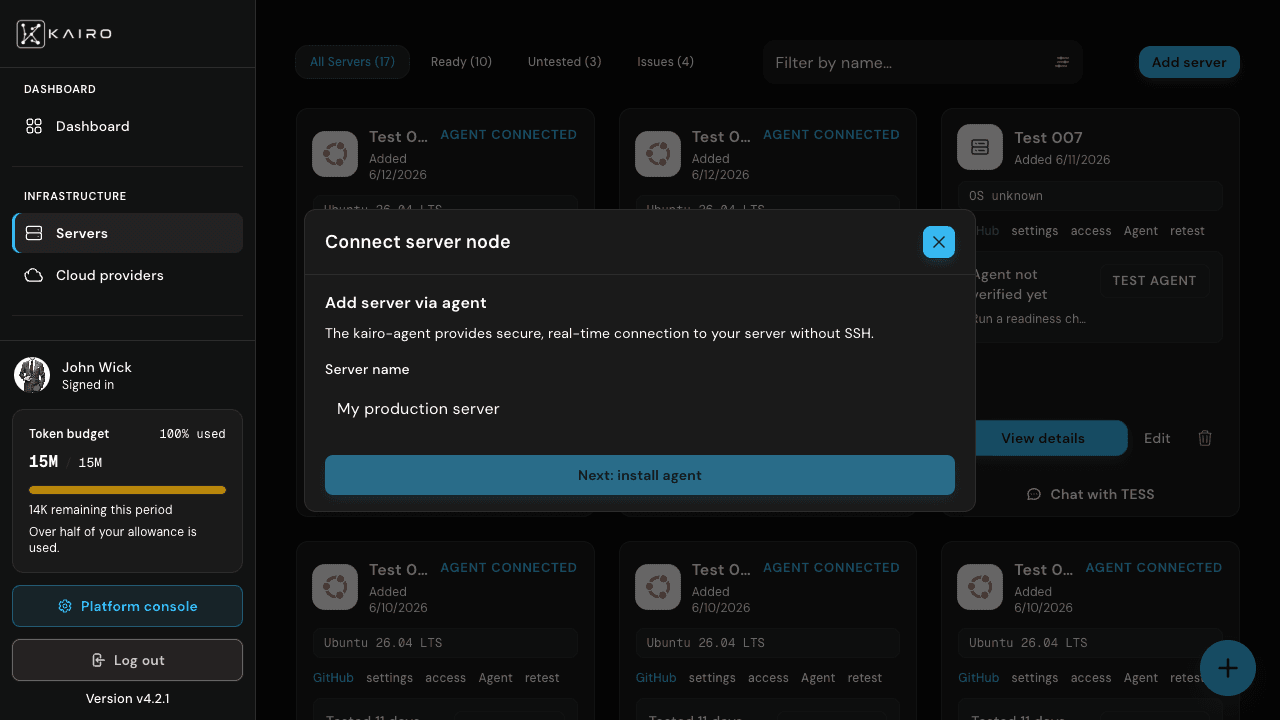
Agent transport uses kairo-agent installed on the host. Pairing is code-only—no browser redirect on the server.
Install kairo-agent
Follow per-arch commands from dashboard install instructions (sudo curl | bash pattern).
Start pairing
In Add server → Agent tab, POST pairing start shows 6-char code on host.
Enter code
Submit code in dashboard; agent links to new or existing server record.
Verify
Confirm agent connected status before deployment chat.