This guide walks a new operator from account creation to a first successful chat session. Allow 15–20 minutes if you are connecting a fresh VPS.
Create your account
Go to /signup, enter name, email, and password, accept legal policies, and submit. You land on /dashboard after sign-in.
Subscribe to a plan
Open Settings → Billing or visit /usage. Choose Starter, Pro, or Teams. Platform chat and server features require an active subscription.
Add a server
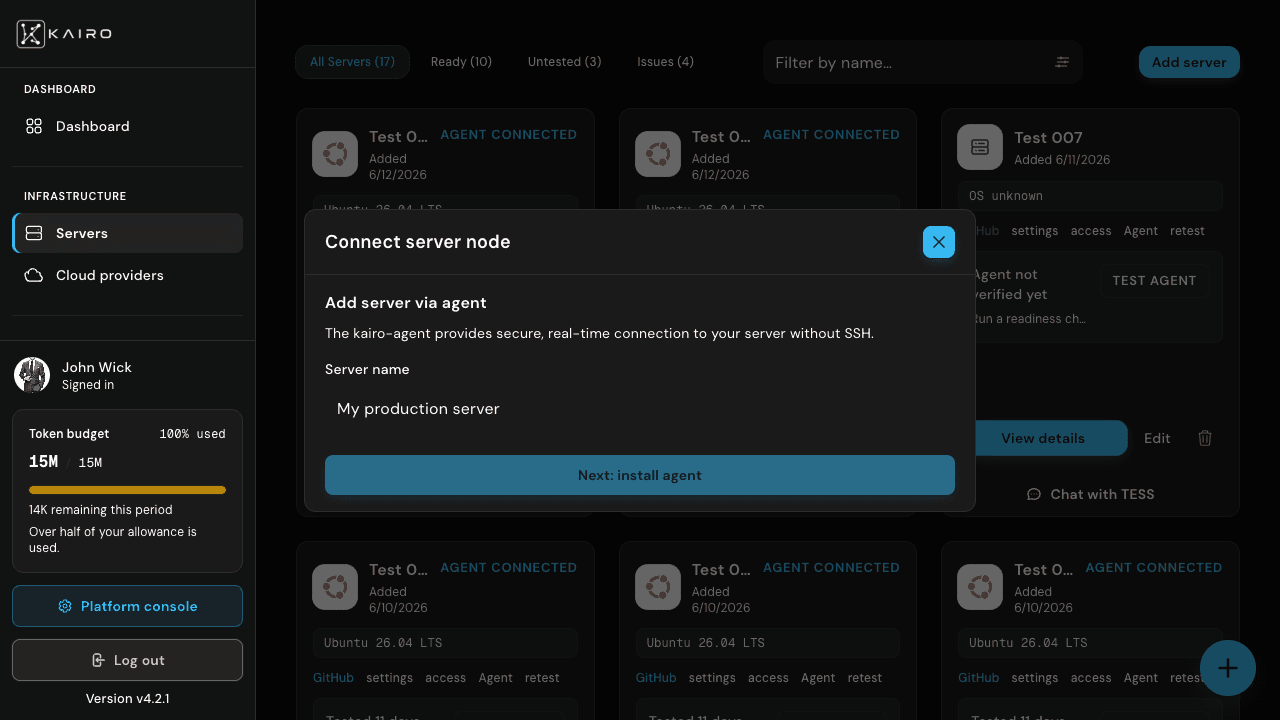
Navigate to /dashboard/servers → Add server. Choose SSH (host, user, key/password) or kairo-agent pairing. Save and run Verify readiness.
Connect GitHub (recommended)
Settings → GitHub → Connect via popup OAuth. Required for private repo clones and auto-deploy.
Open TESS chat
From /chats or the server row, open /dashboard/servers/{id}/chat. Pick a model, then ask TESS to analyse the host or deploy a repository.