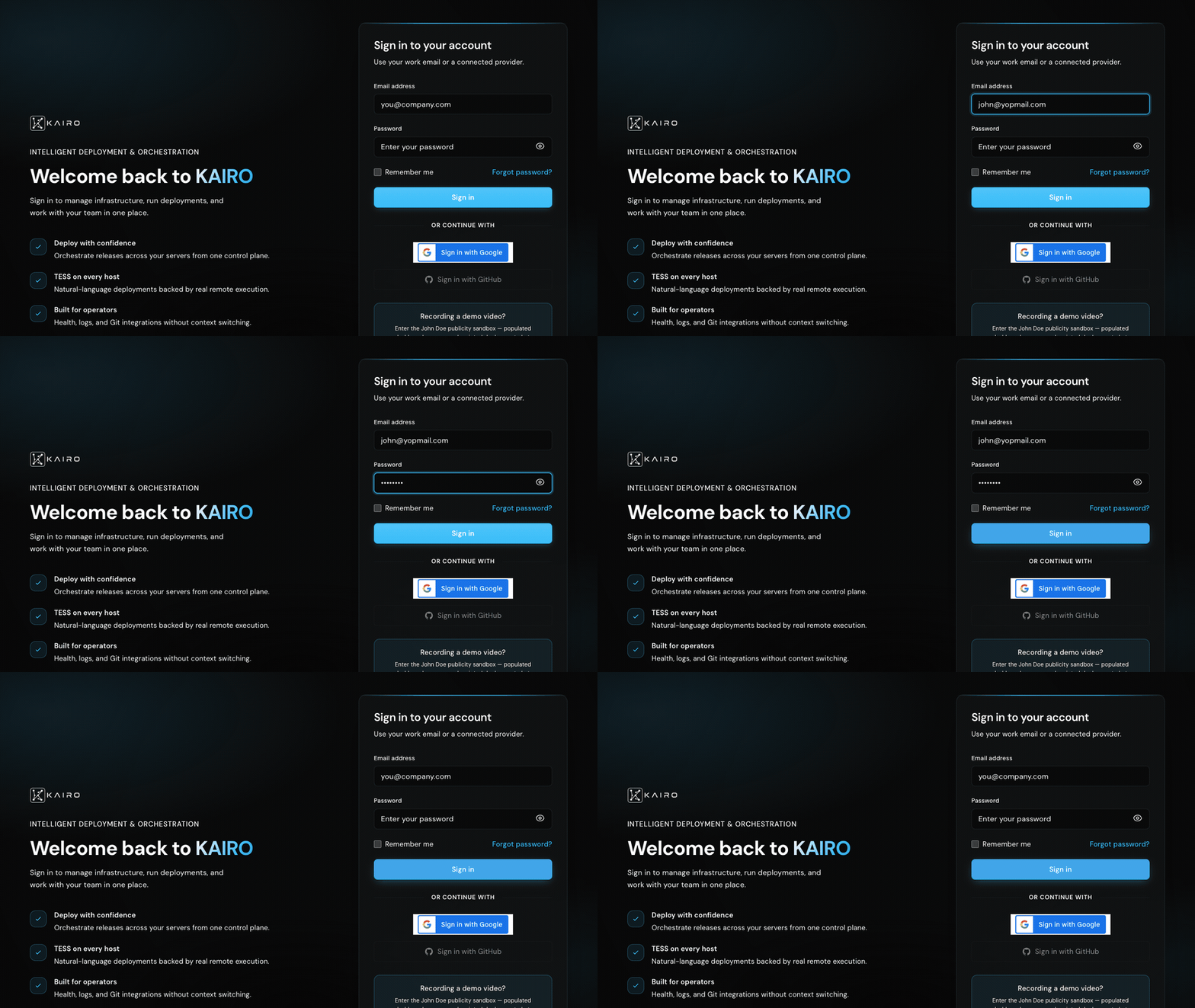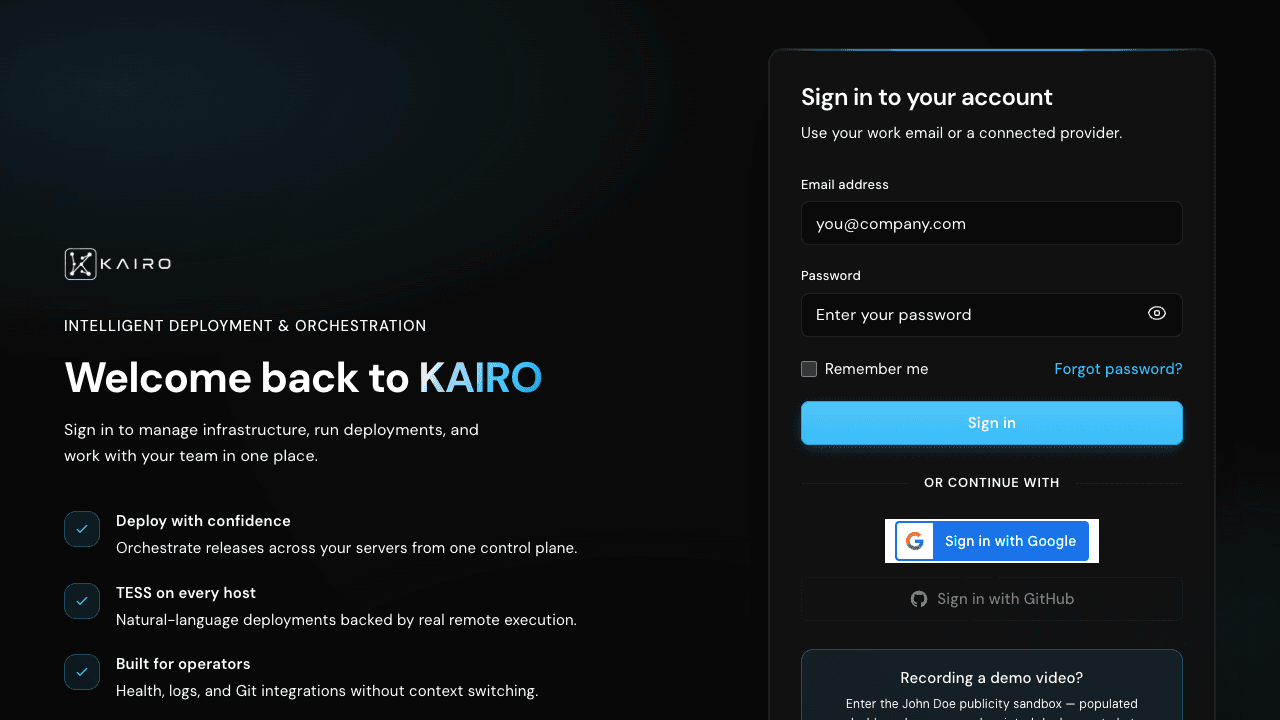
Sign in at /login. KAIRO stores session tokens in httpOnly cookies (kairo_at, kairo_rt)—not localStorage—for better security.
Sign-in methods
- Email and password
- Google Sign-In (GIS) — requires matching NEXT_PUBLIC_GOOGLE_CLIENT_ID
- GitHub OAuth for account login
After login, default redirect is /dashboard. Use ?next=/path to return to a protected URL after authentication.
Email sign-in walkthrough
Enter your work email and password on /login, submit, and KAIRO redirects you to the dashboard with httpOnly session cookies set automatically.